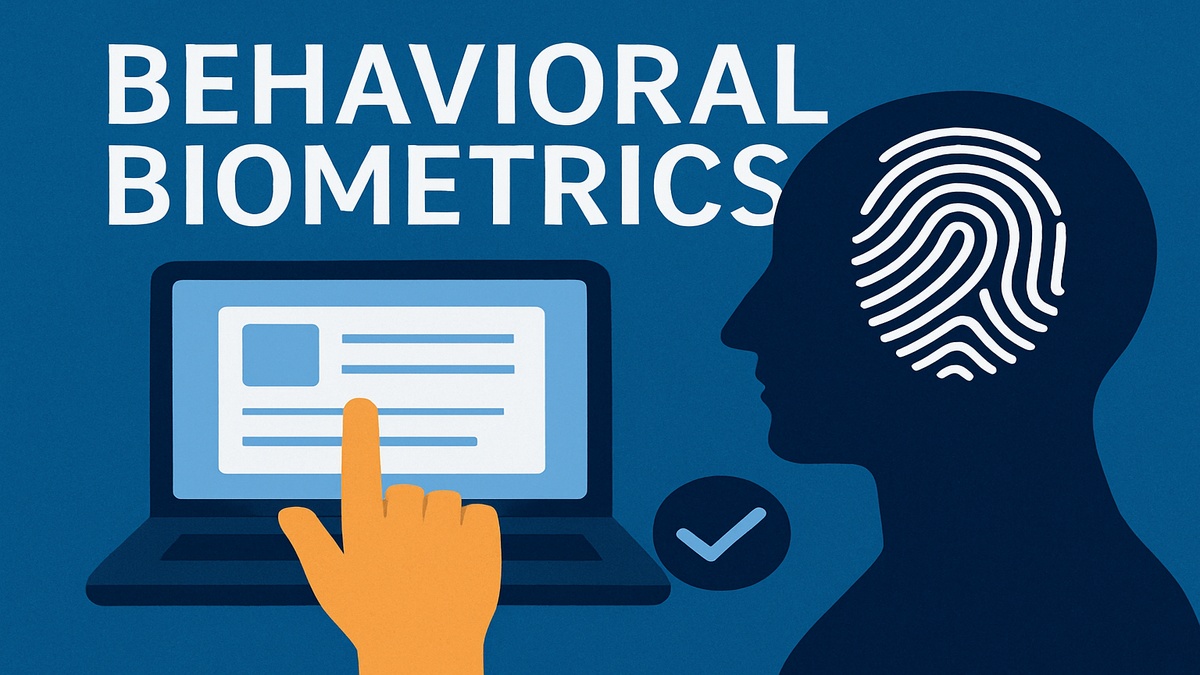
Behavioural Biometrics: What It Is & Why It’s Becoming a Game-Changer
In the world of cybersecurity, passwords and fingerprints are no longer enough. Behavioural biometrics is stepping up: it looks beyond what you know or who you are physically, and instead focuses on how you behave — typing speed, mouse movements, how you swipe, even how you hold your phone. Let’s dig into what this means, how it works, and what to watch out for.
What Are Behavioural Biometrics?
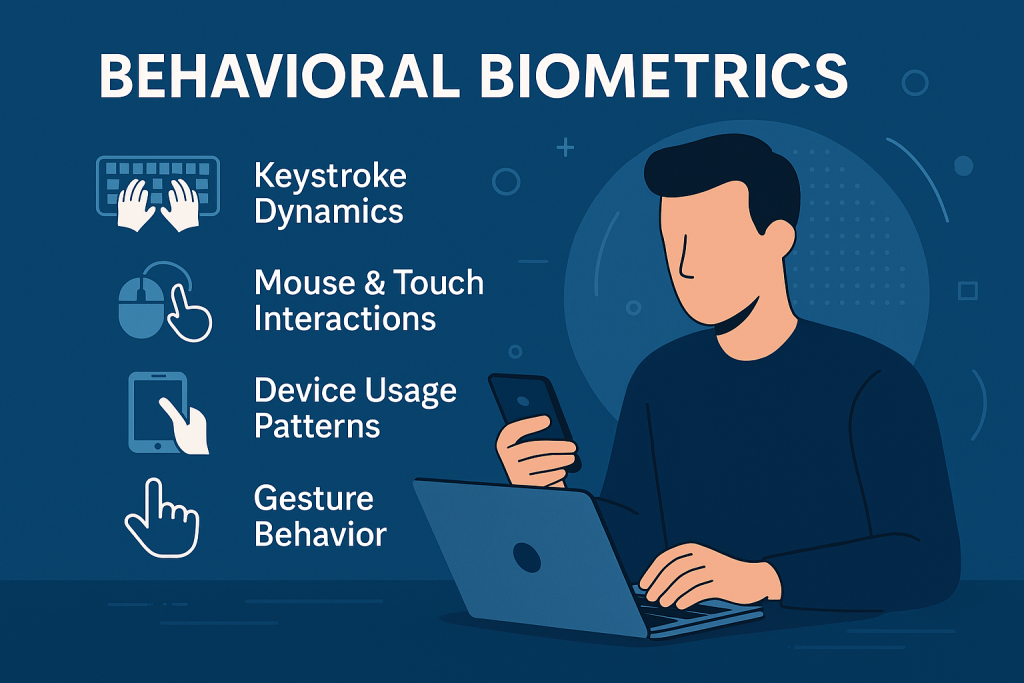
Behavioural biometrics are patterns specific to how you interact with digital systems. Unlike fingerprints, face recognition, or iris scans (which are physical biometrics), behavioural biometrics measure dynamic aspects like:
- Keystroke dynamics: How fast you type, how long you hold keys, and rhythm.
- Mouse & touch interactions: How you move your cursor, pressure and swipes on screens.
- Device usage patterns: Which IPs or locations you usually log in from; how you hold your device.
- Gesture behaviour: Swiping, tap pressure, orientation, etc.
These patterns are often unique enough to help verify someone’s identity continuously—not just at login but throughout a session. Aurora Systems Consulting Inc.+3IBM+3LexisNexis Risk Solutions+3
How It Works
- Collecting Data
Behavioural data is collected passively (in the background) as you use your device or app. Over time, the system builds a “baseline” of your normal behaviour. IBM+2datavisor.com+2 - Modeling & Machine Learning
The system uses machine learning algorithms to analyze that data and detect what’s typical vs. what’s not. If your behaviour suddenly deviates—typing weirdly, using a different gesture—it raises a flag. Continuous authentication is often part of this setup. IBM+2arXiv+2 - Real-Time Monitoring & Response
When behaviour doesn’t match the baseline, the system can respond in several ways: request an extra verification, lock the session, alert security. Because it works silently, it tends to be less intrusive to the user. Plurilock+2IBM+2
Key Use Cases
Behavioural biometrics is already being used in a variety of ways:
- Fraud detection / account takeover prevention: Spot when someone else is using your account credentials, even if they have your password. LexisNexis Risk Solutions+1
- Adaptive authentication: Only asking for more verification when unusual behaviour is detected. This helps reduce friction for legitimate users. LexisNexis Risk Solutions+2IBM+2
- Continuous session security: Ensuring that the person who logged in is still the one interacting, during the entire session. Aurora Systems Consulting Inc.+1
- Device & location profiling: Recognising usual devices & locations to flag anomalous logins. IBM+1
Benefits & Challenges
| Benefits | Challenges / Risks |
|---|---|
| 🔐 Stronger security — hard to mimic behaviour exactly. IBM | ⚠️ Privacy issues — collecting behaviour data can feel invasive. You need clear user consent and good policies. |
| 🚀 Better user experience — less friction because many checks happen in the background. IBM+1 | ❗ False positives / negatives — people’s behaviour can change (stress, injuries, devices) which might trigger wrong alerts. |
| 💡 Fraud prevention — can catch sophisticated attacks where password-based controls fail. LexisNexis Risk Solutions+1 | 🛡 Data protection — need to secure the behavioural data itself; if leaked it could pose risks. |
| 📊 Adaptivity — the system improves over time with more data, better models, and tailoring to individual users. IBM+1 | ⚙️ Technical complexity — implementing and maintaining models, ensuring low latency, handling big data sets. |
What You Should Know Before Using Behavioural Biometrics
- Transparency & Consent: Users need to know what data you collect, how it’s used, and have options.
- Regulation & Compliance: Laws like GDPR, CCPA, etc., may require you to handle behavioural data specially.
- Baseline Accuracy: More data leads to better models. But data collection needs to be balanced so as not to overload or leak personal details.
- Fallbacks: Always provide fallback authentication — passwords, physical biometrics, etc., if behaviour-based checks fail wrongly.
Real-World Examples
- IBM talks about using behavioural biometrics to strengthen identity and fraud detection systems, especially for online accounts. IBM
- Plurilock’s “DEFEND” system monitors keystroke and mouse behaviour in real time for continuous authentication. Aurora Systems Consulting Inc.
- LexisNexis offers solutions that adapt authentication based on risk signals and behaviour patterns, e.g. flagging when typing or swipe gestures are unusual. LexisNexis Risk Solutions+1
Bottom Line
Behavioural biometrics is not just “cool tech” — it’s becoming essential for modern security. It helps close gaps that passwords and physical token-based methods can’t. While there are challenges (ethical, privacy, technical), when set up correctly it improves security and user experience.
Sources
- IBM. What is Behavioral Biometrics? (2025) — IBM Think. https://www.ibm.com/think/topics/behavioral-biometrics IBM
- LexisNexis Risk Solutions. What Is Behavioral Biometrics? https://risk.lexisnexis.com/global/en/insights-resources/article/what-is-behavioral-biometrics/ LexisNexis Risk Solutions
- LexisNexis. Behavioral Biometrics Use Cases: Fraud Prevention & Security https://risk.lexisnexis.com/global/en/insights-resources/article/behavioral-biometrics-use-cases LexisNexis Risk Solutions
- Aurora Systems (Plurilock). Behavioral Biometrics https://www.aurorait.com/behavioral-biometrics/ Aurora Systems Consulting Inc.
- DataVisor. Behavioral Biometrics: How Actions Signal Intention https://www.datavisor.com/wiki/behavioral-biometrics/ datavisor.com
Article generated using ChatGPT at Codatna’s request.